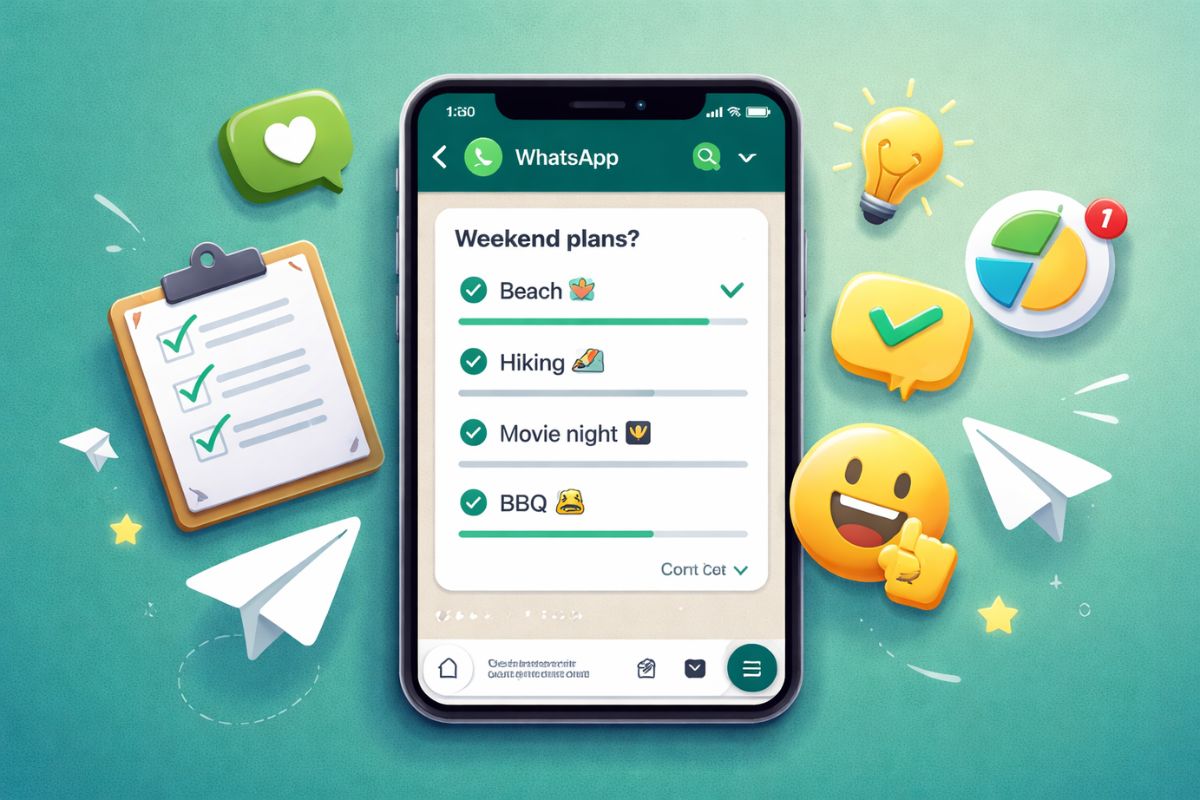
Group chats are brilliant until someone asks where to go for dinner. Suddenly, thirty messages fly in, half the group is talking about different restaurants, and someone’s Aunt is sending cat memes in the middle of it all. Making a solid decision becomes a nightmare. This is exactly why knowing how to create a poll on whatsapp is a total lifesaver for keeping your sanity intact.
Since the big 2026 updates, WhatsApp has turned polls from a basic “pick one” tool into something far more sophisticated. We’re talking about privacy toggles that actually work and expiry timers that stop the endless “late voting” from people who check their phones three days after the event.
Why You Should Use WhatsApp Polls Now
Look, nobody has time to scroll through a wall of text to tally up who wants pizza and who wants curry. It’s a waste of energy. According to the latest WhatsApp Help Center documentation, polls allow for up to 12 distinct options. That’s more than enough for even the pickiest friend groups. The real magic in 2026, though, is the new Poll Settings panel.
In previous versions, you just threw a question out there and hoped for the best. Now, as reported by Beebom Gadgets, the beta builds have introduced “Hide Voters” and “End Time” features. This means if you’re running a sensitive vote or just want to create some urgency for a Saturday night plan, you’ve got the tools to do it properly.
Also Read: Ballard Season 2
How to Create a Poll on WhatsApp: Your 2026 Step-by-Step
The steps are slightly different depending on whether you’re rocking an iPhone or an Android, but the logic is the same. It’s all tucked away in the attachment menu.
The Android Method
- Open your chat (individual or group).
- Tap that paperclip icon next to the camera.
- You’ll see a list of icons—hit the one that looks like a bar chart labelled Poll.
- Type your question at the top.
- Add your options below. If you need more than two, just start typing in the “Add” boxes.
- Crucial bit: Look for the “Allow multiple answers” switch. If you only want one winner, turn this off.
- Tap the Send arrow.
The iPhone (iOS) Process
- Enter the chat where the magic needs to happen.
- Tap the plus (+) sign on the left of the text bar.
- Select Poll from the pop-up list.
- Fill in your question and the choices.
- If you’re on the latest March 2026 update, check the Settings gear at the top of the poll screen to set an expiry timer.
- Press Send.
Using WhatsApp Web or Desktop
Believe it or not, it’s actually easier on a keyboard. Just click the plus (+) or attachment icon and choose the poll symbol. Everything else is identical. It’s perfect for those workplace “where are we going for the Christmas party” debates that usually drag on for weeks.
Pro Secrets for Better Engagement
Getting people to actually vote is the tricky part. Honestly, keep your questions punchy. Nobody wants to read a paragraph before they click a button. Also, use emojis. Adding an emoji next to the word “Pizza” makes the poll look alive and way less corporate. The Hide Voters feature is a bit of a gem for 2026. If you’re in a massive group with 50+ people, people often wait to see what the “popular” choice is before voting. By hiding the names, you get a much more honest result. You can see the total count, but the peer pressure disappears.
Also Read: Finding the Best Smart Ring in the UK
Managing Your Poll Once It’s Live
That poll, once out, is not an editable entity. Yeah, it’s annoying. And if you’ve just made a monumental typo or left something out, your only true option is to delete the message for all recipients and start over. To view a breakdown of who voted for what, simply tap View Votes at the bottom of the poll. It gives you a nice, clean list of names and timestamps.
If you have enabled an End Time, once the time has elapsed, the poll will automatically close, and a final summary will be shown. This is genius for checking that one person who always tries to vote for the Friday pub trip on a Saturday morning. Can I use polls in WhatsApp Channels? Yes, but they operate somewhat differently. Channel admins can use photo polls to make things more visual. It’s a good option for brands or influencers to receive fast feedback without having to enable the entire chat for comments.
Is there a limit on how many people can vote? Not really. They are able to vote as long as they are in the group. By 2026, the number of quiz participants has grown exponentially, and the poll function receives hundreds of responses without strain. Are my votes private? Normally, just about anyone in a standard group can see who voted for what by clicking “View Votes.” But, if the person who created the poll had enabled the new update “Hide Voters” toggle, your name would be hidden from everyone except the person who made the poll.
The Bottom Line
Learning how to create a poll on WhatsApp is one of those small digital skills that saves massive amounts of time. It cuts through the chatter and gets you to a decision in seconds rather than hours. Whether you’re sorting out a work rota or just trying to figure out if your mates actually want to go to the gym, a quick poll is the way to go. Anyway, why not try it out in your most chaotic group chat today? You might actually get a straight answer for once. Got a weird glitch where your poll isn’t showing up? Make sure everyone in the group has updated their app to the latest version—usually, that’s the culprit.
Frequently Asked Questions (FAQ)
Why can’t I see the poll option on my WhatsApp?
Make sure you are using the latest version from the App Store or Google Play. Ah, if you still have a dinosaur phone that doesn’t support 2026 updates, then anything like “End Time” wouldn’t be there.
Can I forward a poll to another group?
Currently, no. To prevent spam and stay on-topic, you cannot forward an active poll on WhatsApp. You’ll need to re-create it in the new group.
How many options can I add to a single poll?
You can add up to 12 options. If you require more than that, you are most likely expecting too much of your friends!
Can I delete a poll?
Yes. Simply long-press the poll and choose “Delete for everyone” like a regular message.
Will I get a notification for every vote?
By default, yes. And if that’s going to make you insane in a busy group, you may want to temporarily mute the chat notifications while the poll is live.
Sources and References
- Official WhatsApp Help Center: How to Use Polls on Android, iPhone, and Desktop (The definitive source for character limits, voting rules, and basic setup instructions.)
- WABetaInfo Reports: WhatsApp Poll Editing and Privacy Feature Tracking (The industry-standard source for upcoming 2026 features like poll editing and anonymous voting.)
- Beebom Gadgets News: New WhatsApp Poll Privacy and Expiration Feature Updates (A detailed breakdown of the 2026 beta 2.26.6.7 build which introduced the ‘End Time’ and ‘Hide Voters’ toggles.)
- WhatsApp Channel Support: Creating and Managing Channel Polls with Photos (Official documentation on how polls operate differently within public WhatsApp Channels.)
- MacRumors Tech Updates: WhatsApp Profile and Navigation Redesign 2026 (Insights into the latest UI changes for iOS users, including the new ‘You’ profile tab where settings are now housed.)
Recommended